AI tools for scientific computing
by Eugeniy E. Mikhailov and
Greg Bentsen
Logistics and Agenda
Homework 3 due Monday Sept 21 at 11:59pm
Agenda
- This week: Data reduction & fitting, AI tools
- Next week: Root-finding, numerical integration
Today
- AI tools demo
- AI overview and best practices
- Practical applications to fitting
Homework 3:
You may use AI freely to write code, debug, and test.
You may not use AI to write the report.
As with Homework 2:
Tech Demo
A quick tour of common AI-assisted workflows:
- Inline queries and editing
- Code explanation and summary
- Code critique
- Implementation
- Debugging
- Unit tests
AI Tools Overview
Levels of abstraction
Computing has repeatedly moved toward higher-level interfaces:
- Natural-language interfaces
- High-level languages such as Python
- Compiled languages such as C++
- Human-readable assembly
- Machine instructions
- Transistor logic
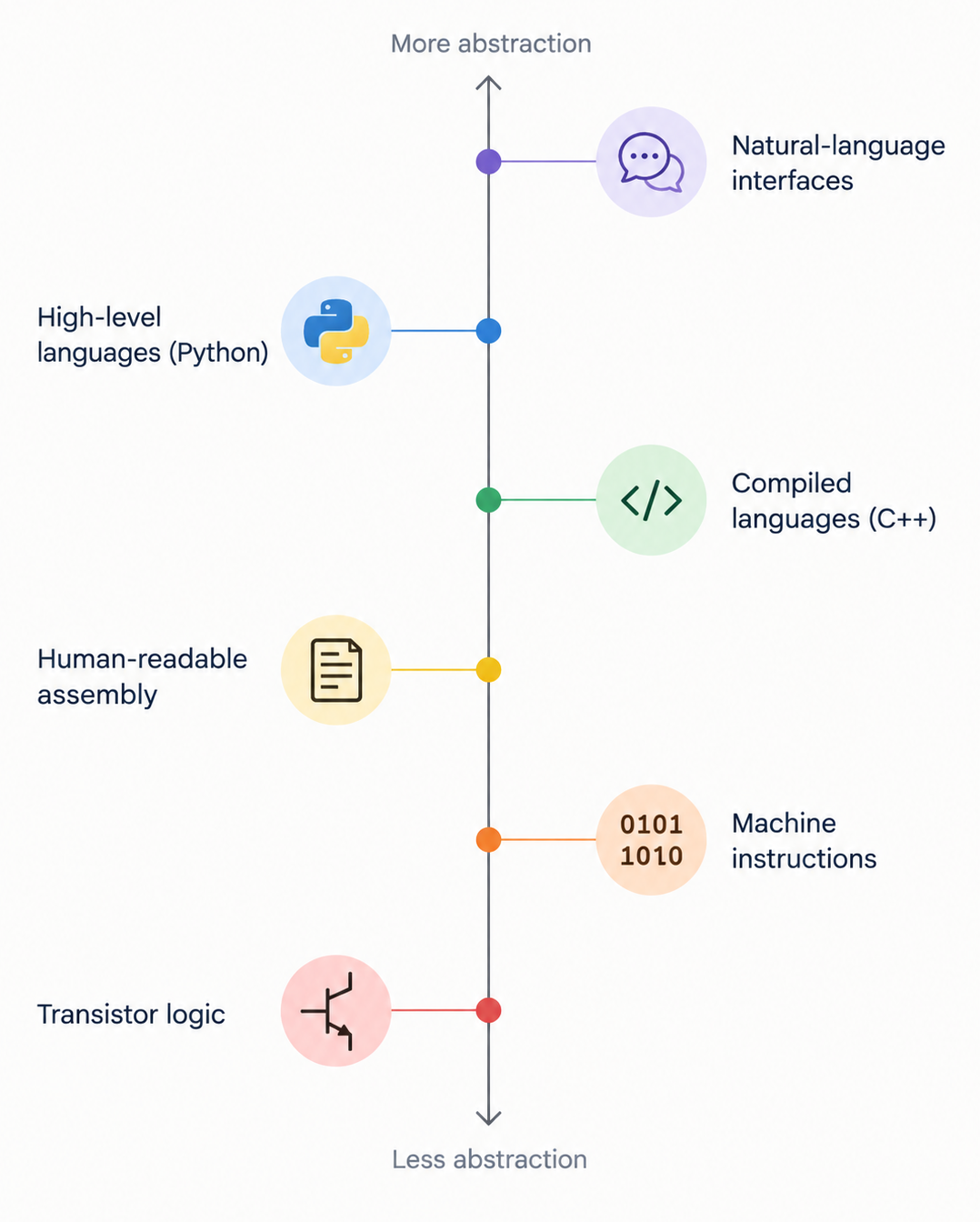
Source: generated with ChatGPT
Each layer hides some implementation details while making more
complex tasks easier to express.
AI changes the workflow
Historically, a large fraction of scientific programming involved
implementation details:
- Finding the right library or function (or writing it from
scratch!)
- Converting data into the expected format
- Writing boilerplate code
- Diagnosing syntax and API errors
AI tools can help with much of this work.
This shifts some of our effort from writing code
toward directing, reading, critiquing, and testing
code.
You are still responsible for the result
AI-generated code should be treated like code written by someone
else:
- Read it before using it.
- Understand what it is doing.
- Test it on cases where you know the answer.
- Check physical assumptions, units, limits, and conventions.
- Verify that the numerical result answers the scientific question you
intended to ask.
A program can run successfully and still implement the wrong
model.
Fundamental concepts — LLMs and inference
At a high level, a large language model (LLM) generates text by
predicting a sequence of tokens from the information
available in its context.
- Training: model parameters are adjusted using large
datasets and substantial computation.
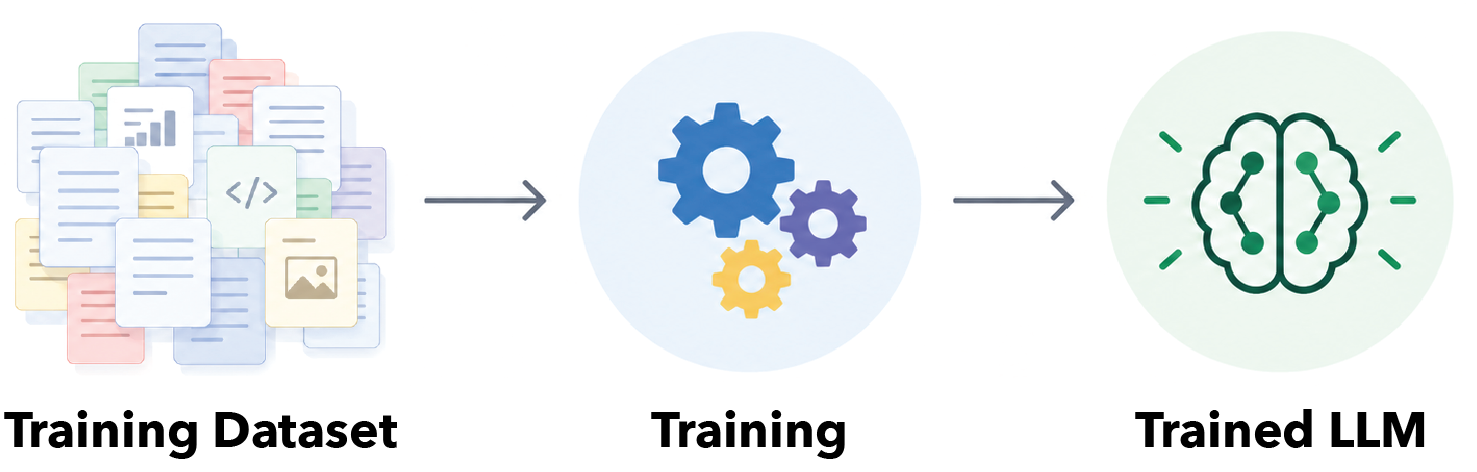
Source: generated with ChatGPT
- Inference: a trained model uses fixed parameters to
generate a response.
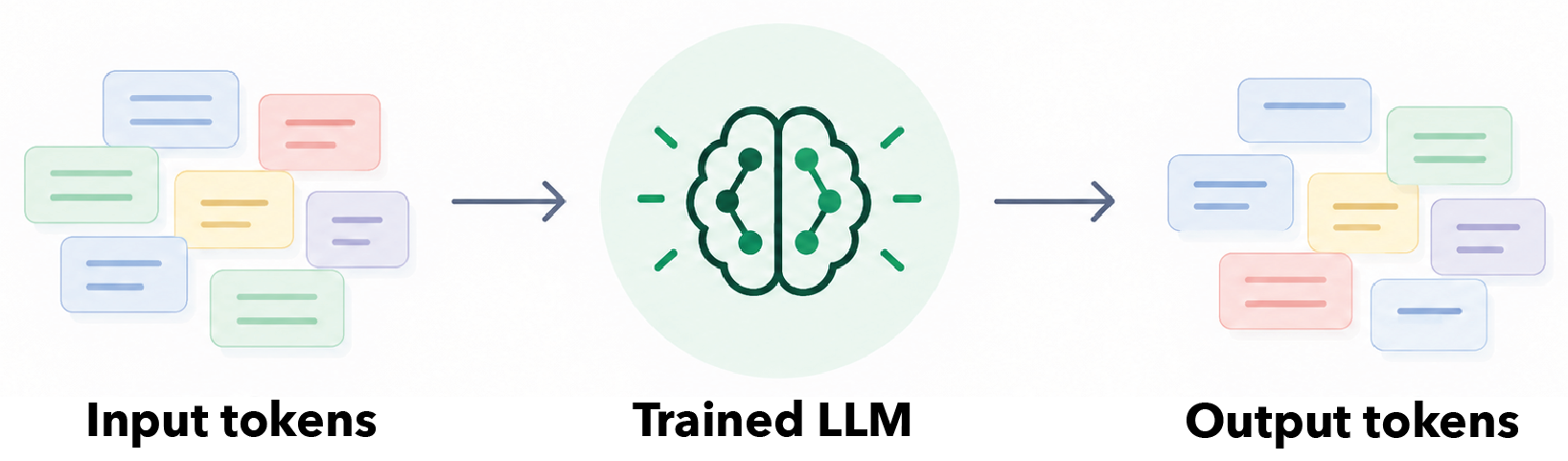
Source: generated with ChatGPT
Model outputs can vary between runs. Different models have different
strengths and limitations.
Fundamental concepts — context
The model does not automatically know everything that you know.
Context is the information available to the model
for the current task.
This may include:
- Your prompt
- Earlier conversation
- Code or files you provide
- Tool outputs
- Documentation or other retrieved information
Good context is relevant context, not necessarily
the maximum amount of context.
Workflow, Best Practices, and Safety
Common use cases
Explanation and summary
- “Explain this code.”
- “Provide a high-level summary of this function.”
Implementation
- “Write code to do XYZ.”
- “Modify this code to do ABC instead of XYZ.”
Debugging
- “Help me understand this error.”
Improvement
- “Critique this code.”
- “Suggest ways to improve its clarity or efficiency.”
Planning and testing
- “Make a plan for adding feature XYZ.”
- “Write tests for this code.”
Give precise instructions
Good prompts clearly specify the task, relevant context, and
constraints.
For example:
- State what the code is supposed to do.
- Identify the files or functions that matter.
- Specify what should not be changed.
- Ask the model to use the relevant documentation or API.
- Define how you will decide whether the result is correct.
Precise instructions make the model easier to evaluate and reduce
unnecessary changes.
Separate planning from implementation
For nontrivial tasks, work in stages:
explain → suggest → plan → implement → validate
This makes it easier to catch a bad assumption before it becomes a
large code change.
For scientific computing, validation should include both:
- Software verification: did we implement the
algorithm correctly?
- Scientific validation: is this the correct model
for the physical problem?
Deterministic code and non-deterministic AI
Use each tool for what it does well.
- LLMs: generation, explanation, planning, and
proposing alternatives
- Code: reproducible calculations, automated tests,
and quantitative validation
AI can make it easier to write tests, but you must still decide what
constitutes convincing evidence that the calculation is correct.
AI Safety
These tools are very powerful, but they come with serious risks.
With great power comes great responsibility
Stan Lee (1962)
- Assume that everything you type or upload to an external AI service
will be known to the world
- Except models that are locally run (on your computer or on W&M
HPC)
- Some providers ‘promise’ that data will not be used (but how can we
check it?)
- Agents: if you run an agent (permit local code execution) from an AI
service, all bets are off
- You are trusting an external company to do no evil
- There is no guarantee that safety features are bug free
- It is best to run agents in containers or virtual machines where
they are in lock down and cannot access your files outside of a closed
directory
- Unfortunately, the safer it is the less convenient it is to work
with
Practical Demo Applied to Fitting
Access and navigation
Note: You must be on campus or connected through the
VPN.
Navigation
- Chat window
- Chat organization
- Settings
- Modification history and diff view
Context and commands
Use context controls to tell the model what information matters for
the current task.
#: select or reference relevant context/: invoke commands or actions@: reference available resources or tools, where
supported
The exact behavior depends on the interface, so pay attention to what
information is actually being shared with the model.
Interaction modes
Different modes provide different levels of autonomy.
- Ask
- Read-only interaction
- Useful for explanation, summary, and critique
- Plan
- Proposes a sequence of changes without implementing them
- Agent
- Can carry out multi-step tasks using available tools
Use the least-permissive mode that is sufficient for the task.
Fitting demo workflow
Apply the workflow to the fitting example from the previous
lecture:
- Ask for a high-level explanation of the fitting code.
- Ask for a critique of its assumptions and failure modes.
- Ask for a plan to improve the code.
- Review the proposed plan.
- Implement one change at a time.
- Run the code and tests.
- Validate the fitted result against known limits or synthetic
data.
Review
Rules of thumb
- Understand requests before approving tool use.
- The model only sees the context you provide.
- Good context is relevant, specific, and manageable.
- Give precise instructions, including constraints and non-goals.
- Separate planning from implementation for larger tasks.
- Review diffs and terminal commands before approving them.
- Use deterministic code and tests to check AI-generated work.
- Working code is not necessarily scientifically valid.
Bottom line: AI can accelerate scientific
computing, but verification and scientific judgment remain your
responsibility.